Clothing Product Catalogue Checklist for Local Shops
A practical checklist and copyable product template for clothing shops preparing an online catalogue, with photos, measurements, stock and pickup details.
FRQ Editorial
FRQ Journal editorial team · Updated
General guidance for shoppers. Prices are indicative and change by shop and season.
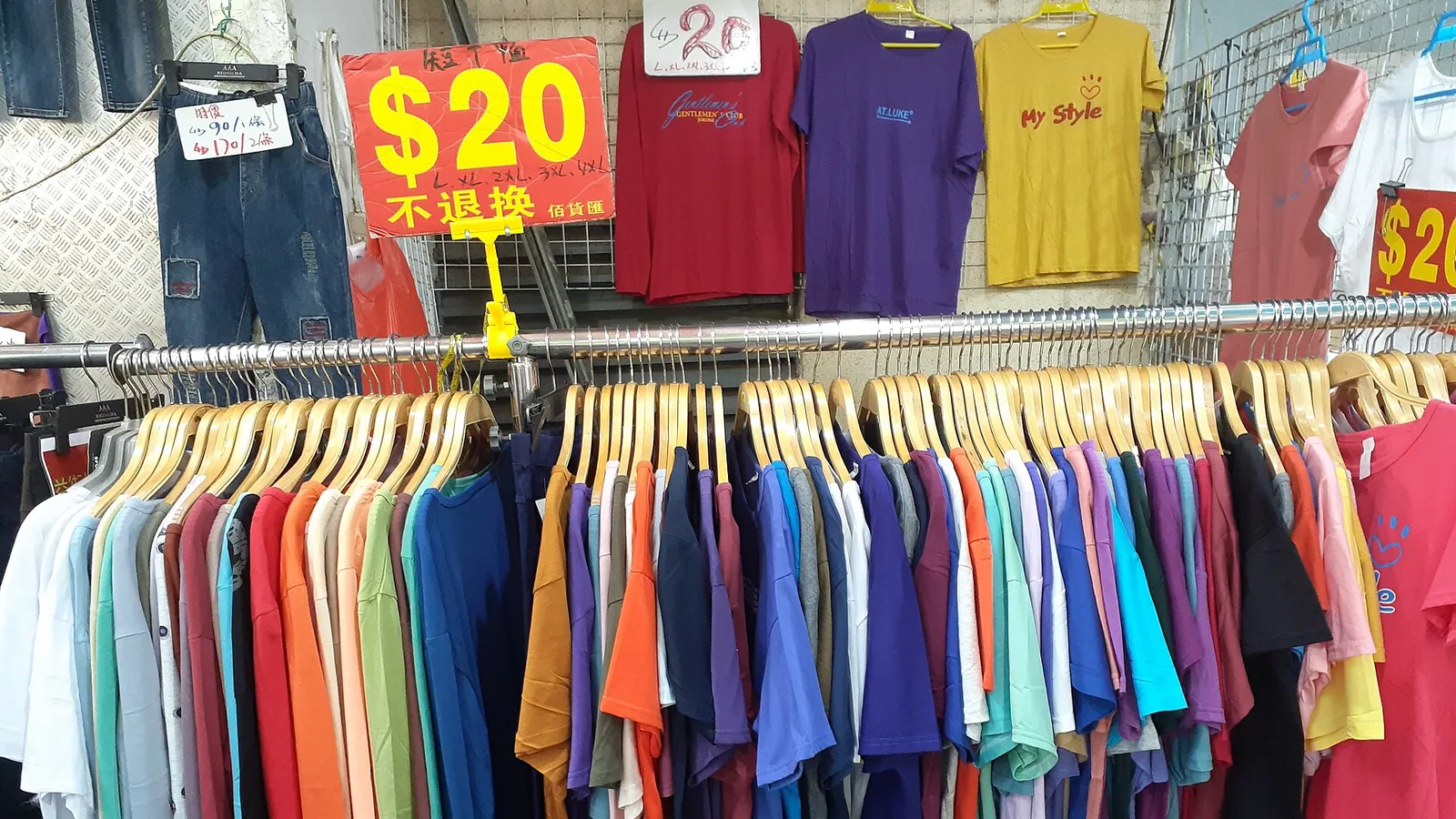
A useful clothing product catalogue answers the questions a customer would ask at your counter: What is the fabric? Will this size fit? Is this colour available? What does the price include? Can I collect it from the shop? This checklist helps a local clothing shop put those answers in one place before sharing a catalogue link. It is an editorial working template, not a claim that any particular format guarantees sales or search rankings.
Prepare accurate stock, photos and product details
Begin with ten to twenty products as a manageable working batch, not a platform limit. Choose items you can identify, photograph and count today. Give each style a stable product code, then keep a separate stock entry for each size and colour. A blue kurta in medium and the same kurta in large should not share one undifferentiated stock number. Keep the catalogue private until a second person can match every entry to the garment on your shelf.
For each style, capture the front, back, fabric close-up and any important detail such as a lining, fastening or embroidery. Add a separate photo when another colour looks materially different. Use even daylight, a simple background and consistent framing. Avoid filters that change the colour or hide texture. If a photo includes a belt, jewellery, trousers or a dupatta that is not part of the sale, say so beside the product. Review the images on a phone before publishing; customers should be able to distinguish the garment without zooming into a crowded collage.
Use a plain title built from product type, supported material description, colour and one distinguishing detail. For example, “Blue printed cotton kurta with three-quarter sleeves” is more useful than “Latest premium collection”. Only call the fabric cotton, silk or another fibre when the supplier label or other reliable product information supports it. Record care instructions from the label. For sizing, state whether numbers describe the body or the finished garment, include the unit, and explain how you measured. A flat chest width is not the same as chest circumference. Do not copy one size chart across garments with different cuts.
Copy this clothing catalogue template
- Product code: [a stable code you can find on your stock record]
- Product title: [garment type, verified material, colour, distinguishing detail]
- Included in the price: [one garment / complete set; list every included piece]
- Material and care: [supported fibre details and label instructions]
- Colour and photos: [actual colour name; front, back and detail photos]
- Size and measurements: [size label; garment or body measurements; unit and measuring method]
- Stock by variant: [quantity for each size and colour; date checked]
- Price: [current selling price; explain any separately charged delivery or alteration]
- Pickup or delivery: [shop address and hours; serviceable area and agreed timing]
- Exchange and returns: [your applicable policy and how customers contact you]
- Last checked: [date and responsible staff member]
Check one complete example before publishing
Illustrative entry, not an FRQ offer: Product KUR-014-BL-M; blue printed cotton kurta; one kurta only, with no trousers or dupatta; size M; finished garment chest circumference 102 cm and length 110 cm; two pieces available when checked; listed price Rs 799; pickup by arrangement. In a real listing, verify the fibre description, measurements, quantity and price against the garment and stock record. Add your actual care instructions, return terms and any delivery charges. The point of this example is completeness, not a recommended price or a universal size chart.
Run a five-minute check before sharing the link
- Open the customer-facing catalogue on a phone and check that every image loads.
- Match the title, colour, size, price and included pieces against the actual item.
- Ask a colleague to find the correct size without help from you.
- Confirm that sold-out variants cannot be mistaken for available stock.
- Check the shop contact route, pickup address and any delivery conditions.
- Confirm that the customer can read your exchange or return terms before ordering.
- After each counter sale, update the affected variant or confirm stock before accepting another request.
Use the checklist with your FRQ shop
FRQ means Find Retail Quickly and connects shoppers with local shops. If you are preparing a shop catalogue on FRQ, complete the template from your actual inventory, add the supported information to each product listing and use the description for details that have no dedicated field. Check the public shop view before sharing its link. Availability, collection and delivery arrangements must match what your shop can provide; a catalogue entry alone is not a delivery promise. Review the catalogue whenever stock or prices change, and keep one person responsible for corrections.
Reference and scope
Google Merchant Center’s product data specification documents fields such as title, description, image, price, availability, colour and size: https://support.google.com/merchants/answer/7052112?hl=en. It is a useful reference if you later prepare a product feed; this checklist does not enrol your shop in Google Shopping or establish eligibility. FRQ background: https://frq.in/about. The workflow, template and illustrative entry above are FRQ Editorial recommendations, not a field study or measured sales result. Reviewed 23 October 2026.
Related guides



Discover authentic bazaar markets & local shops online.
See what local shops stock and what they charge, then visit the shop to check the item and pay at the counter.