How to Sell Clothes on WhatsApp: Catalogue, Payments & Delivery
Turn your WhatsApp chats into a repeatable ordering system with a clean catalogue, safe payments, and a clear delivery routine.
FRQ Editorial
FRQ Journal editorial team
Prices and shop details come from live FRQ listings and can change.
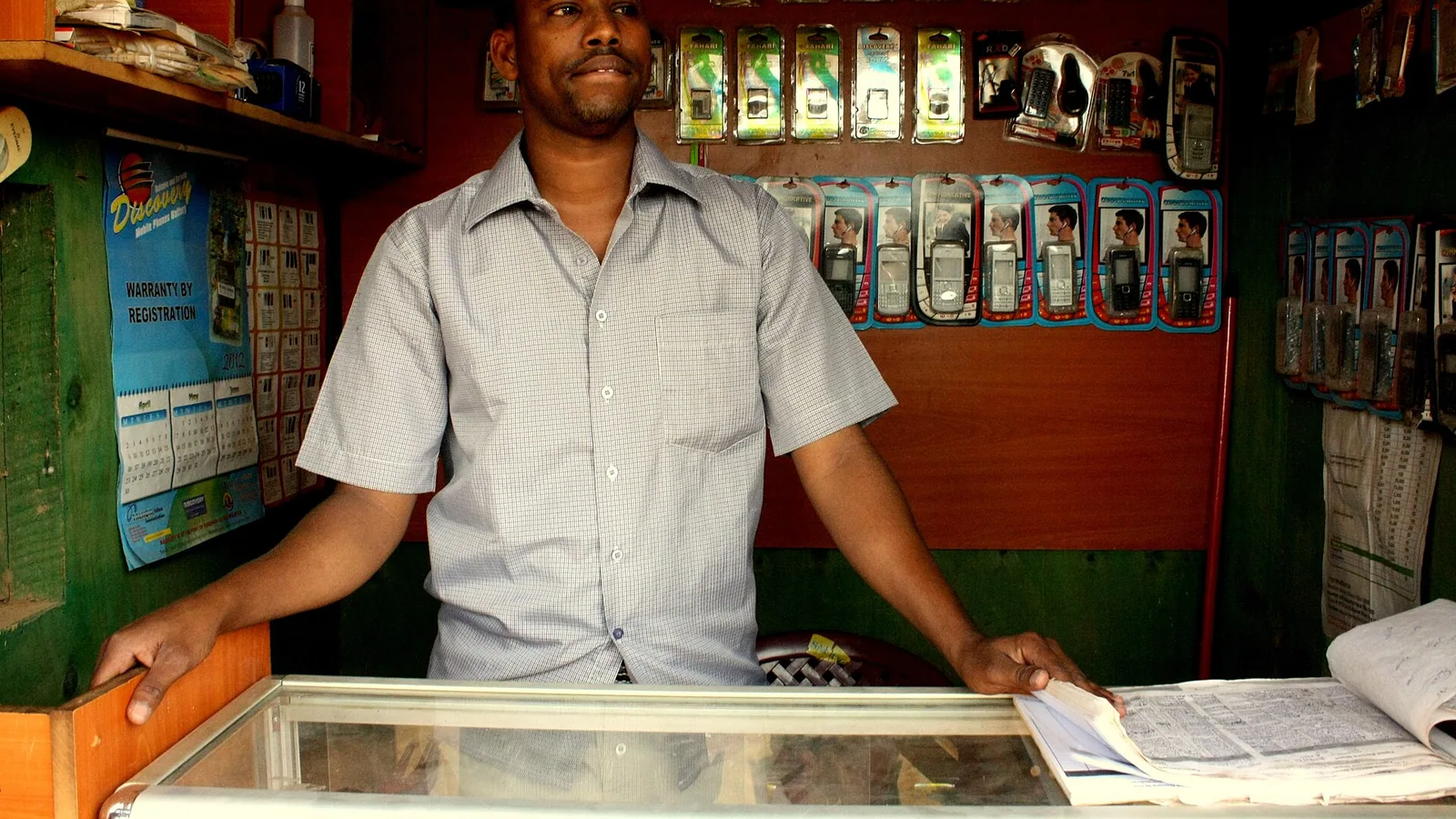
You already chat with customers on WhatsApp, but repeating product details, prices, and delivery rules every time wastes hours and looks unprofessional. The fix is a repeatable flow: a fixed catalogue, a single payment method, and a delivery routine that you copy-paste for every order. Below is the exact setup Indian small shops use to turn chats into steady repeat orders without hiring a developer.
Build a catalogue that answers questions before they are asked
Free options first
- Google Business Profile: free, shows up in Google search and maps; add 10 to 20 product posts with photo, price, and size. Customers find you without WhatsApp.
- WhatsApp Business app: free; use the built-in Catalogue tab to upload up to 500 items with photo, price, size, and description. Customers tap to view while chatting.
- Google Sheets: free; create a sheet with columns for product name, photo link, price, sizes in stock, and delivery time. Share the sheet link in your WhatsApp message once, then send the same link for every enquiry.
- FRQ Starter plan: free, up to 50 products, your own store address (yourshop.frq.in), free counter billing, 0% commission. You can share the frq.in link in WhatsApp so customers see the full catalogue without scrolling through chat history.
Paid upgrade only if you cross 50 products
FRQ Pro starts at ₹199 for 30 days and removes the 50-product cap. Keep the free options until you genuinely need more SKUs; do not pay for a tool you will not use fully.
Set payments so you do not have to argue about money
Choose one payment method and stick to it for all customers. Mixing cash, UPI, and bank transfer creates confusion and delayed confirmations. Indian small shops overwhelmingly use UPI because it is instant, free, and the customer does not need to download a new app.
How to take UPI payments on WhatsApp
- Generate a static UPI QR code from any UPI app (PhonePe, GPay, Paytm). Save the image and send it in your WhatsApp message template.
- For larger orders, share a payment link from your UPI app that shows the exact amount and product name in the description, so the customer sees what they are paying for.
- Always ask the customer to send the UTR (transaction ID) in the chat. Confirm receipt before you pack the order.
- Never accept cash on delivery for first-time WhatsApp customers; it leads to fake orders and lost packages.
Plan delivery so customers know when to expect their clothes
Delivery is where most WhatsApp shops lose repeat business. State three things in every catalogue and every order message: packing time, shipping method, and what happens if the courier is late. Indian customers are used to this clarity; without it they assume you are unreliable.
Delivery checklist
- Packing time: say a fixed number of hours or days, for example 24 hours for in-stock items, 3 days for made-to-order.
- Shipping method: name the courier you use (Delhivery, Bluedart, India Post, or local runner) and give the typical transit days to the customer's city.
- Delivery charge: state it clearly in the catalogue. Many shops offer free delivery above a certain order value; if you do, write the threshold in the catalogue.
- Return window: for clothes, a 7-day return for size or colour mismatch is standard. Mention it once in the catalogue and again in the order confirmation so there is no argument later.
Turn every order into a repeat order
The goal of selling on WhatsApp is not a single sale but a customer who keeps messaging you. After dispatch, send a short message: order shipped, tracking link if available, and a reminder that you will share a photo of the packed parcel before it leaves. This small step makes the customer feel watched over and they return for the next purchase. Once a month, send a photo of new arrivals with a short note; customers who have already paid once will buy again without asking for prices.
Legal and tax basics for WhatsApp clothing sellers
If you sell clothes from a small shop or home, you are a goods seller under Indian law. GST registration is required once your turnover crosses the threshold set for your state; the exact figure changes by state and product type, so check the official portal gst.gov.in or ask a local CA. Keep a simple ledger of every WhatsApp order: date, customer name, amount, and UTR. This record is needed if a tax officer asks for proof of sales and it also helps you see which customers buy most.
Frequently asked questions
Do I need a website to sell clothes on WhatsApp?▼
No, a website is not required. You can upload your products to the free WhatsApp Business Catalogue and share the catalogue link in chat. If you want a web address that you can share on Instagram and Google, the FRQ Starter plan gives you yourshop.frq.in for free with up to 50 products.
How do I show different sizes and colours in a WhatsApp catalogue?▼
In the WhatsApp Business app, each catalogue item can have one photo, one price, and one description. Use the description field to list available sizes and colours, for example 'Sizes: S, M, L, XL Colours: Navy, Black'. Alternatively, create one catalogue item per colour-size combination if you have fewer than 20 variants.
Is it safe to share my UPI QR code on WhatsApp?▼
Yes, a static UPI QR code is safe to share because it only receives money; it cannot be used to spend or transfer from your account. Always confirm the payment by checking the UTR in your UPI app before you pack the order.
How much delivery charge should I ask from a WhatsApp customer?▼
Check what local couriers charge for the customer's pin code and add a small margin or offer free delivery above a certain order value, for example free delivery above ₹500. State the charge in your catalogue and repeat it in the order message so there is no surprise.
Can I sell clothes on WhatsApp without GST registration?▼
You can start selling without GST registration if your turnover is below the threshold applicable in your state. Once you cross that threshold you must register on gst.gov.in. Keep a simple order ledger from day one so the transition is smooth.
Discover authentic bazaar markets & local shops online.
See what local shops stock and what they charge, then visit the shop to check the item and pay at the counter.