How to Create an Online Store for Free in India
You can launch a working online store in India today without paying a rupee, using free platforms, messaging apps, or marketplace starter plans.
FRQ Editorial
FRQ Journal editorial team · Updated
Prices and shop details come from live FRQ listings and can change.
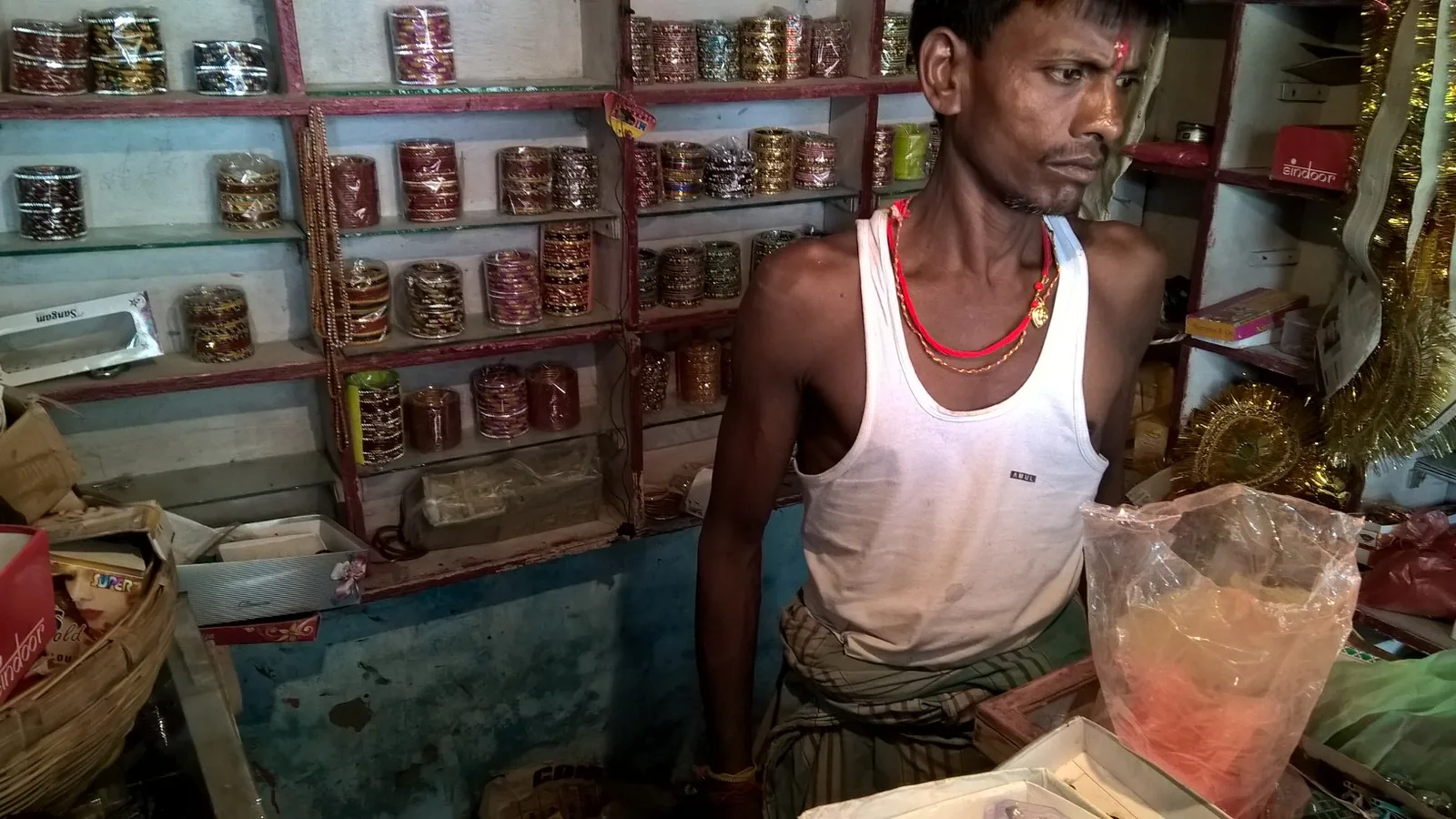
You can create an online store in India without spending money by using free listing platforms, messaging apps, or marketplace starter plans. The quickest route is to combine a free business profile with WhatsApp Business for direct orders, or to use a dedicated free storefront plan if you want a web address.
Each option has trade-offs: free profiles give you visibility but limited customization, while free storefront plans offer a branded link and basic catalog tools. Below are the practical steps to get your first online sales channel live today.
How to Set Up a Free Google Business Profile
Steps to Get Listed
- Go to google.com/business and sign in with a personal Google account. Click 'Manage now' and enter your shop name. If it does not exist, create it.
- Choose your primary category, for example 'Clothing store' or 'Jewellery shop'. Add your real address, working hours, and phone number. Use a local mobile number if possible.
- Upload clear photos of your storefront, product samples, and signage. Shoppers trust shops with at least five photos.
- Verify your listing by postcard or phone. Once verified, your shop appears on Google Maps and Google Search when people look for nearby sellers.
This option costs zero rupees and puts your shop in front of local buyers already searching on Google. You can add product posts and respond to queries directly from the dashboard.
Using WhatsApp Business as a Free storefront
Setting Up Your Catalog
- Download WhatsApp Business from the Play Store or App Store. Register with your shop phone number and complete the business profile with your shop name, address, and description.
- Open the business tools and create a product catalog. Add product names, prices in rupees, and at least one clear photo per item.
- Share the WhatsApp Business link on your existing customer groups, paper bills, and shop signage. Shoppers can message you directly to place orders.
- Enable quick replies for common questions such as 'Do you have size XL?' or 'Can you deliver locally?' to save time.
WhatsApp Business is completely free and requires no website. The trade-off is that you handle orders manually and the catalog is limited to the WhatsApp app interface.
FRQ Free Starter Plan for a Branded Web Store
FRQ is an Indian hyperlocal fashion marketplace that puts real local bazaars online. Shop owners can start on FRQ's Free Starter plan, which costs Rs 0 and includes up to 50 products, your own frq.in web address, a free counter billing tool, and 0% commission on sales.
Steps to Open a Shop on FRQ
- Visit frq.in and click 'Create a shop'. Register with your mobile number and verify it.
- Fill in your shop name, choose the main category such as ethnic wear, footwear, or accessories, and upload your logo or shop photo.
- Add up to 50 products with title, price in rupees, size and colour options, and clear photos taken in daylight.
- Publish the shop. Your store will be live at yourshop.frq.in and listed in the relevant FRQ market category.
The Free Starter plan is ideal if you want a web address and a built-in billing counter without paying a monthly fee. Paid plans start at Rs 199 a month if you later need more products or advanced features.
Other Zero-Cost Options and Honest Trade-offs
Beyond the three main routes, you can list on additional free marketplaces such as OLX or Facebook Marketplace. These platforms bring traffic but do not give you a branded web address, and they often charge small transaction fees or display ads.
Free vs Low-Cost Comparison
- Google Business Profile: free, excellent for local discovery, no product limit, but no built-in checkout.
- WhatsApp Business: free, direct customer communication, catalog inside the app, but manual order management.
- FRQ Free Starter: free, custom web address, up to 50 products, 0% commission, but limited to fashion, accessories, footwear, jewellery and home textiles categories.
- Paid website builders: start at Rs 199 per month, offer full ecommerce features, but require ongoing subscription.
Tax, Legal and Payment Safety Basics
When you start selling online, you must follow Indian tax rules. If your annual turnover crosses the registration threshold, you need to register for GST. Always check the latest rules on the official GST portal at gst.gov.in, as thresholds and exemptions change.
For payments, use bank UPI or a payment gateway that displays the RBI licence details on its checkout page. Avoid accepting cash deposits from strangers and never share full card numbers over chat. Keep a simple ledger of daily sales and refunds in a notebook or spreadsheet.
First Sale Checklist Before Going Live
- Take at least five clear product photos in natural light. Show the item on a model or mannequin and include a close-up of fabric texture.
- Write prices in rupees with Indian digit grouping, for example Rs 1,299. Mention any extra charges for shipping or cash on delivery.
- Test the ordering process yourself. Place a dummy order and complete the payment to confirm the checkout works.
- Display your return and exchange policy on the store page or share it in the first message to the buyer.
Frequently asked questions
Can I really sell online in India without paying anything upfront?▼
Yes. You can list on Google Business Profile, use WhatsApp Business, or open a free storefront on FRQ without paying a rupee. Each option gives you a different balance of visibility and features, but none require an initial investment.
What is the difference between a free marketplace listing and a free website?▼
A free marketplace listing puts your products inside a larger platform where shoppers already browse, but you do not get your own web address. A free website plan, such as FRQ Free Starter, gives you a branded link like yourshop.frq.in and a standalone storefront.
How many products can I list on FRQ's Free Starter plan?▼
The FRQ Free Starter plan allows up to 50 products. If your catalogue grows beyond that, you can either upgrade to a paid plan starting at Rs 199 per month or use an additional free channel such as WhatsApp.
Do I need a GST registration to sell clothing online?▼
GST registration is required once your annual turnover crosses the threshold set by the government. Since thresholds can change, always verify the current rule on the official GST portal at gst.gov.in before you start accepting large orders.
Which payment method is safest for small online orders in India?▼
UPI and net-banking transfers to your bank account are the safest for small orders. Use a payment gateway that shows its RBI licence details on the checkout page, and never share full card numbers or OTPs with customers.
Discover authentic bazaar markets & local shops online.
See what local shops stock and what they charge, then visit the shop to check the item and pay at the counter.